CleanShot X
A screenshot app puts its demo and a named endorsement side by side.
Website overview
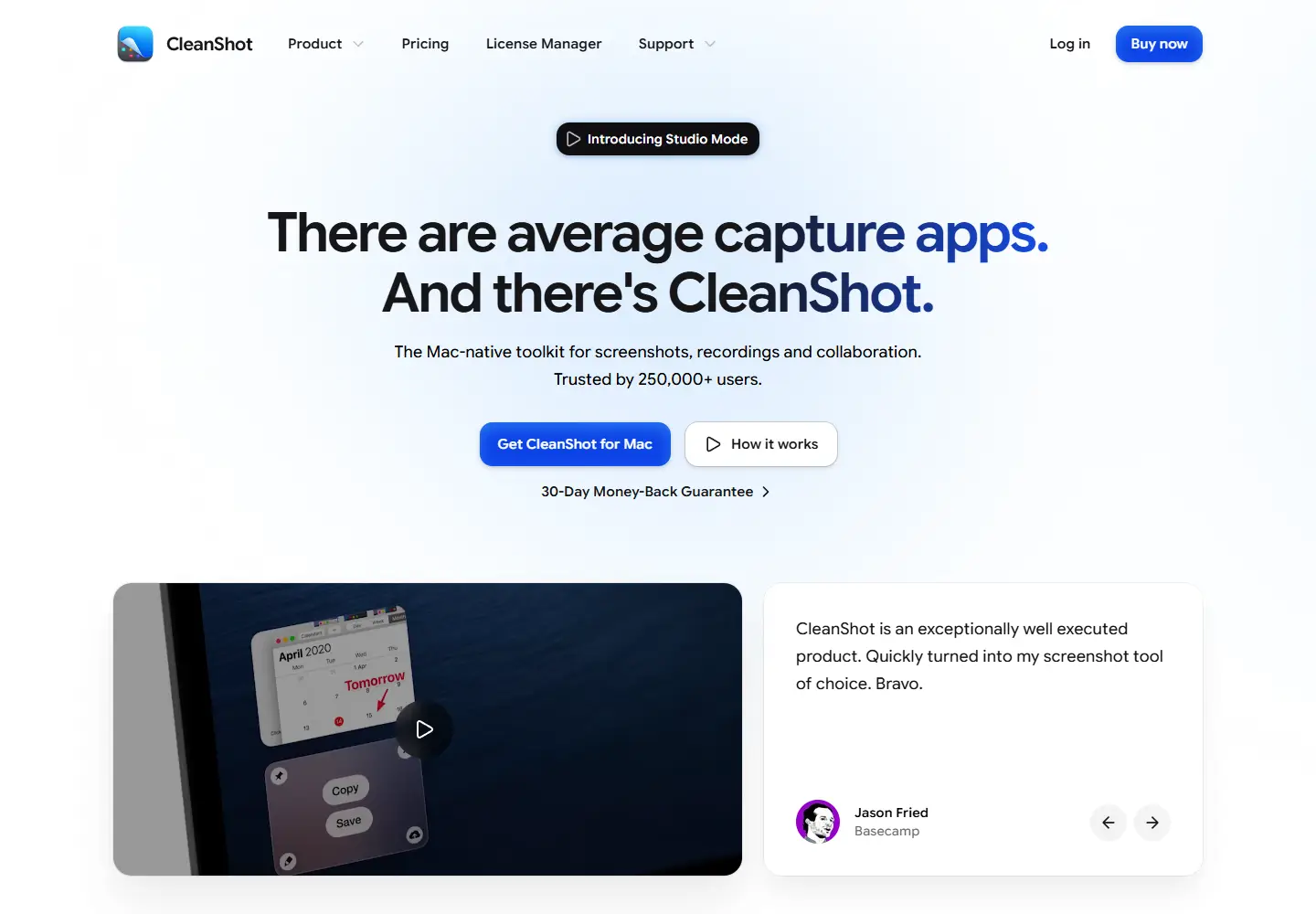
The CleanShot X landing page puts a product demonstration beside a named endorsement, making it a reference for presenting software and trust together.
CleanShot offers screenshot capture, screen recording and sharing tools for Mac. Its homepage shows capture workflows and the associated editing features.
The purchase and demonstration actions accommodate visitors with different amounts of product knowledge. Their contrasting styles make that choice visible at the opening. Study the refund link and endorsement in the same area, then follow the page into the interface examples. Reassurance and demonstration have separate jobs. This layout is useful for considering which purchase questions deserve a nearby answer and which software capabilities are better explained through a picture of the workflow.
What caught our eye
Hero: A large black-and-blue headline sits above a filled purchase button and an outlined demonstration button. The two actions have distinct visual weight.
Trust strategy: A named endorsement sits beside a video preview. The refund-policy link is close to the main action, where purchase questions are likely to arise.
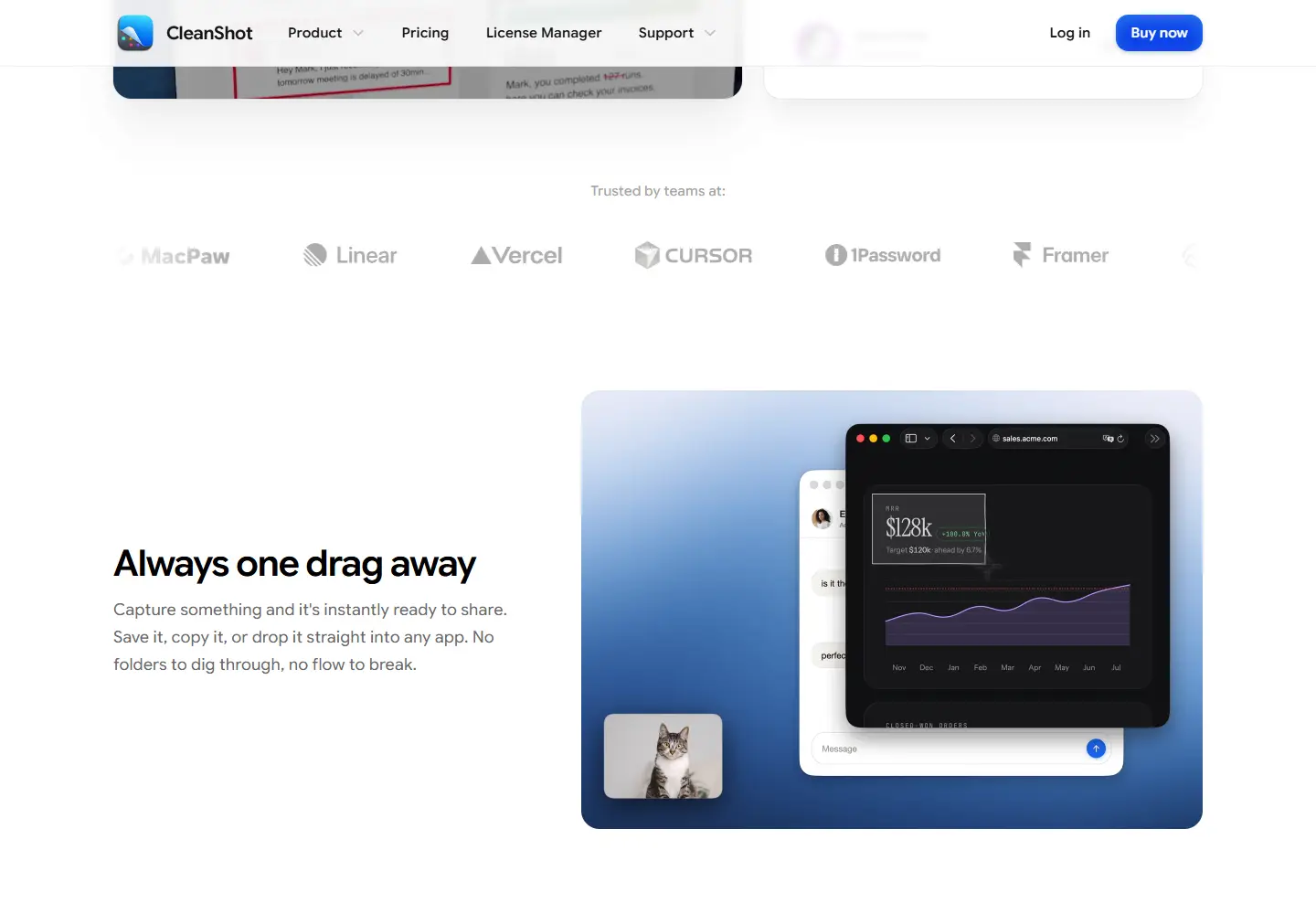
Product presentation: Layered interface images illustrate moving a capture into another application. Later sections separate recording, annotation and sharing.
Color & layout: Soft blue lighting and rounded panels connect the hero with the screenshots. The interface examples remain the most detailed elements on the page.
Who might find it useful?
Designers studying desktop-software offers, demonstration placement and purchase reassurance.
Website screenshots