Descript
A burgundy hero leads into an editing example and named customer proof.
Website overview
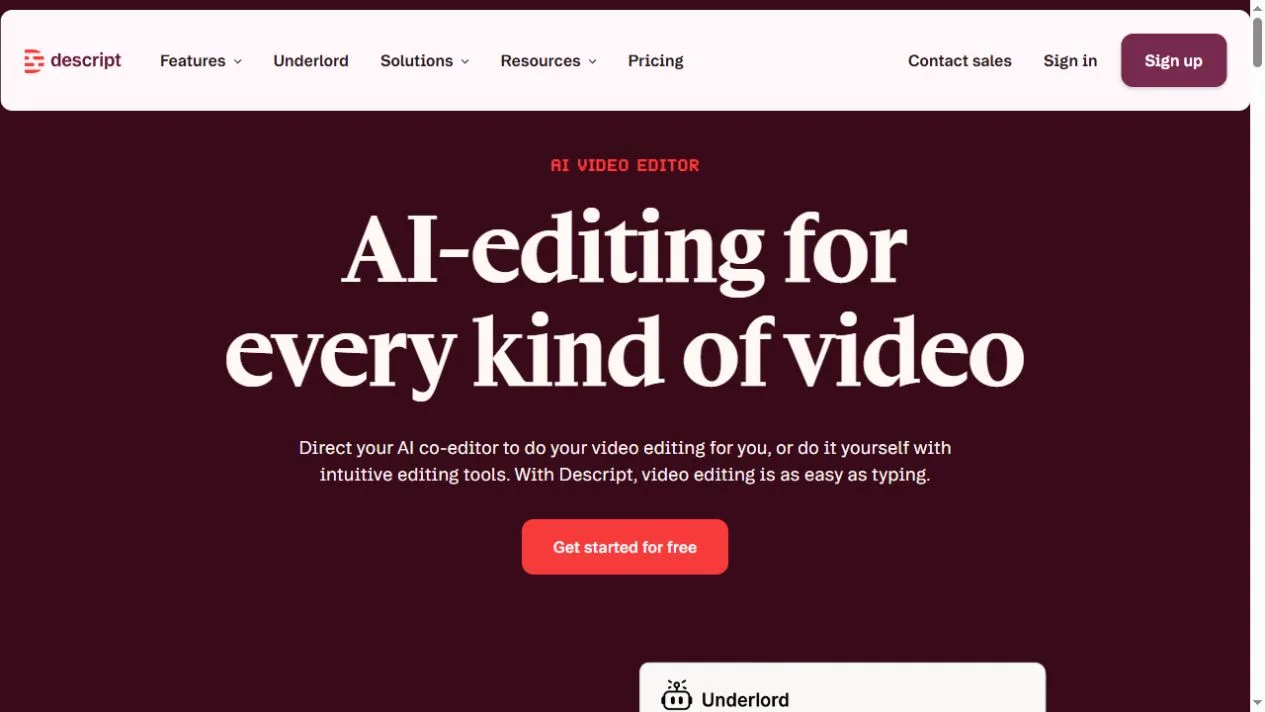
Descript brings video and audio editing into an interface that also works with a transcript. The landing page opens with a centered headline on a deep burgundy field, followed by a bright signup button and a product example. Other sections introduce recording, editing and sharing, which gives the reader a path through the work from source material to a finished video.
What caught our eye
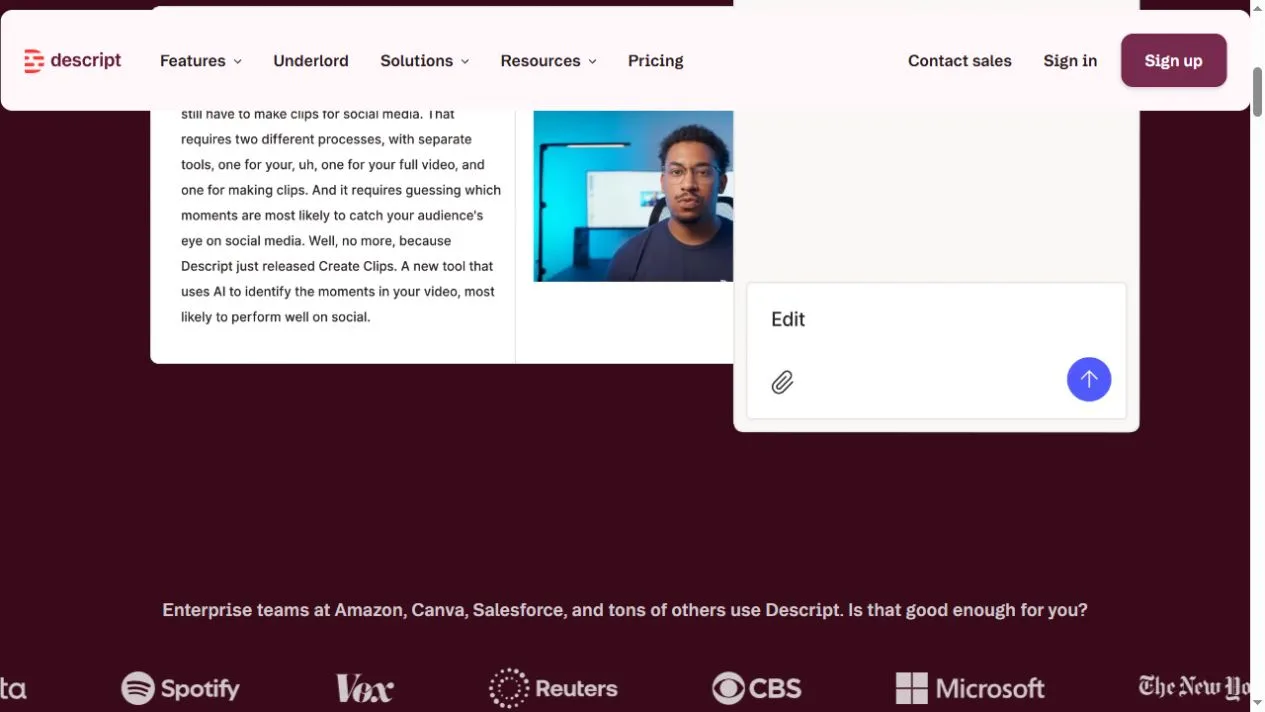
The first screen does not ask visitors to learn the editor’s terminology. It names the kind of work and places the next action directly underneath. The example then brings together a text transcript, a video frame and an editing control. Those panels show how reading and changing text can sit next to the footage.
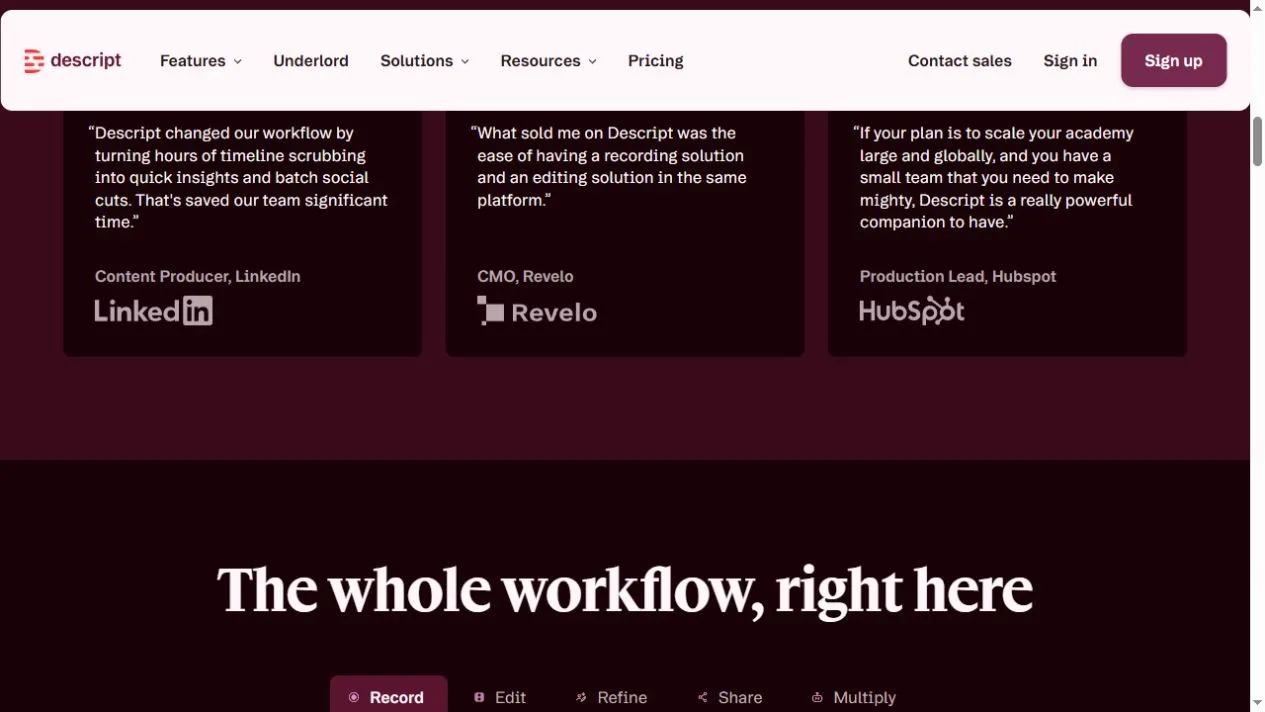
The page puts customer marks close to the example and moves into quotations from identified roles and companies. These sections offer different amounts of detail. The logo row is quick to scan, while the cards give readers a chance to see how others describe a workflow. The source is the vendor’s page, which supplies the context for those examples.
The lower sections group capabilities in a sequence around the work itself. This is a useful pattern for products with many features: organize the page by what a creator is trying to finish. Compare the generous spacing around the opening action with the denser layout used for the interface. Each part gives the reader a different level of detail at the right point in the page.
Who might find it useful?
Product teams studying software landing pages.
Website screenshots