Excalidraw
Sketch an idea with shapes and text on a browser whiteboard.
Website overview
Excalidraw is an online whiteboard for sketching diagrams with a hand-drawn visual style.
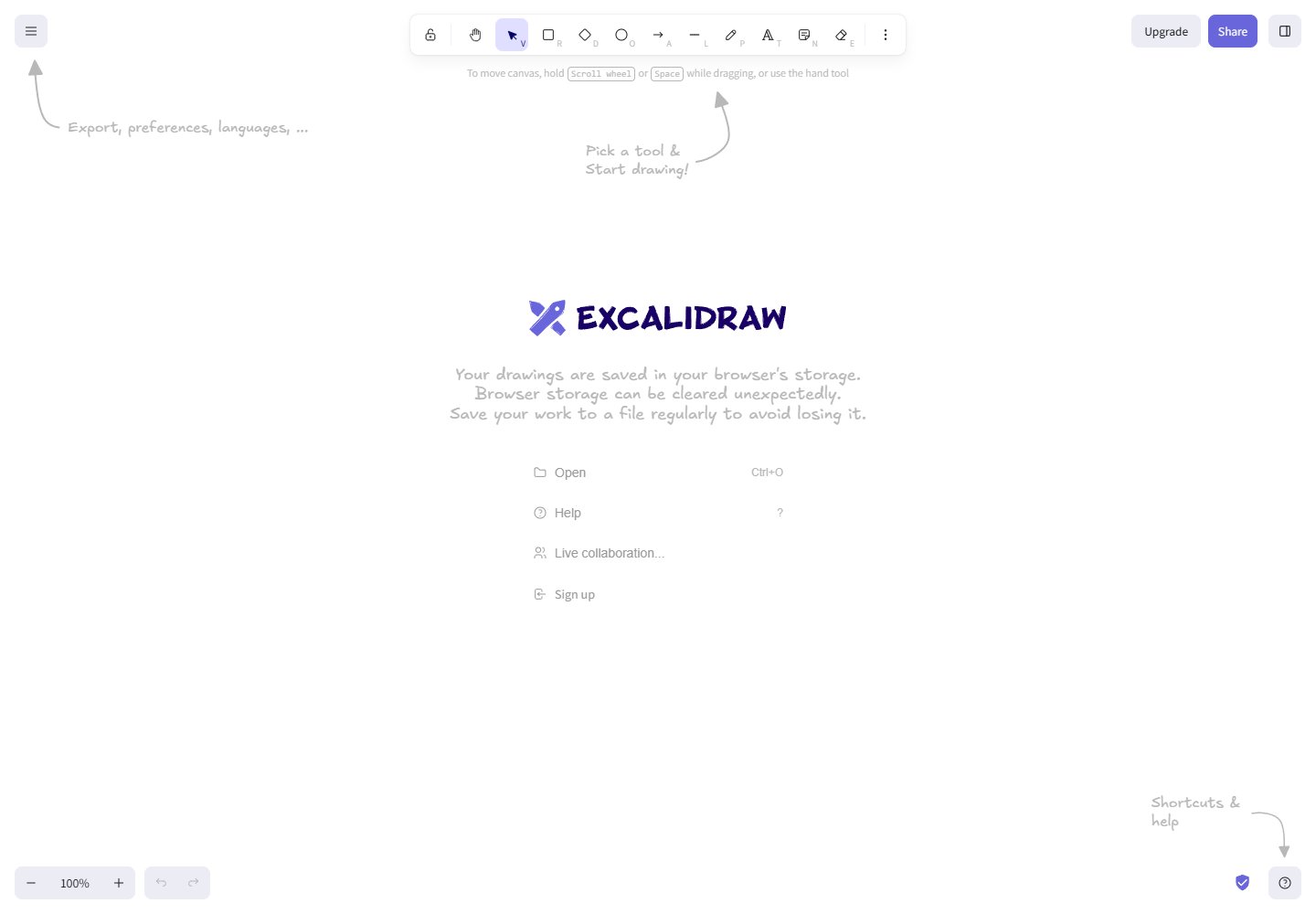
Excalidraw opens directly to a drawing canvas with shape and text tools. You can sketch diagrams in the browser. The interface reminds you to save a file because browser storage can be cleared.
The drawing canvas occupies the place where many software sites put a sales hero. A visitor can see the tools and the working area together, so the initial explanation comes from the interface itself. Hand-drawn hints give the otherwise empty space a starting direction. Study how those hints relate to the toolbar rather than treating them as decoration around a conventional landing page.
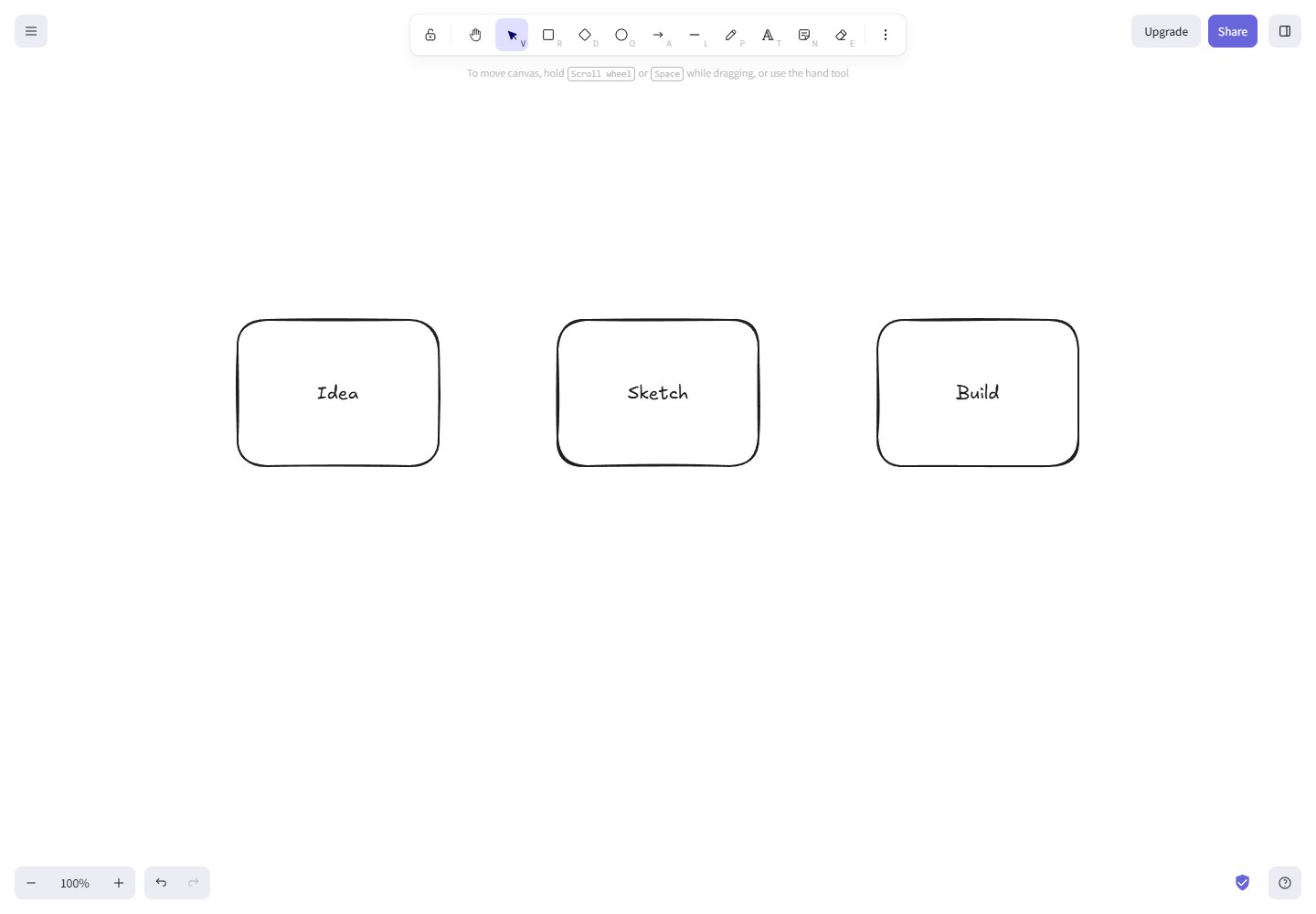
The three-box example in this entry provides a small, concrete use case for the captured interface. Boxes and text are enough to begin explaining a process before learning a complex diagramming vocabulary. Follow the visual hierarchy between the empty canvas, shape tools, text and saving guidance. Each has a different role in helping someone begin or keep their work. For a product-design reference, this page raises a specific question about first use. What can the interface explain through a visible action, and what still needs a written instruction? The reminder about browser storage is particularly relevant to that second category.
What caught our eye
The first screen is the working canvas. Tool shortcuts and hand-drawn hints explain where to begin. The supporting screenshot shows a simple three-box sketch made during this editorial check.
Who might find it useful?
People explaining a process, sketching a product idea or planning a lightweight diagram.
Website screenshots