Raycast
A short launcher promise expands into familiar interface examples and an extension catalog.
Website overview
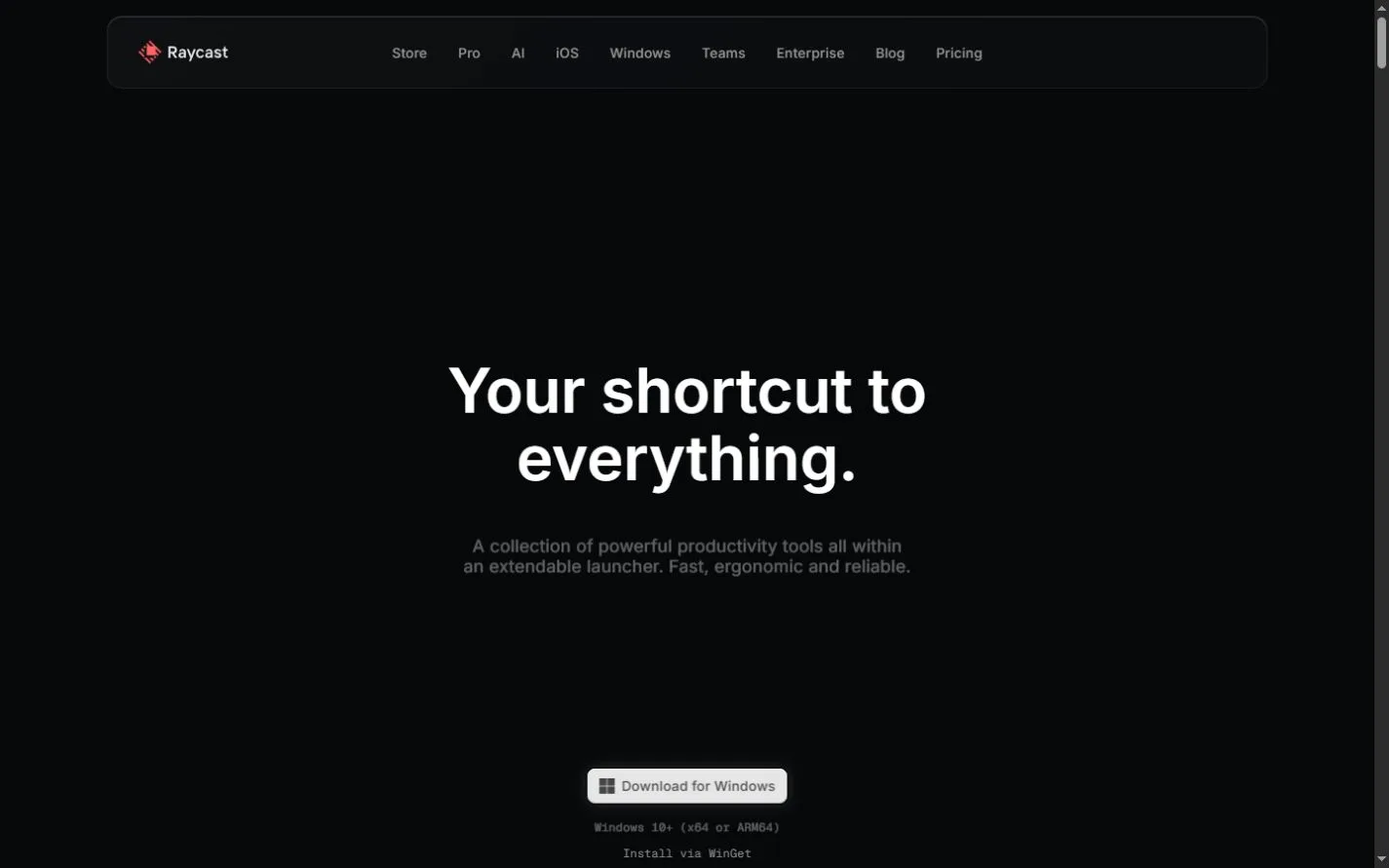
Raycast presents a desktop launcher that brings commands and productivity tools into a keyboard-driven interface. Its homepage opens with a short headline and a download invitation on a dark background. Supporting sections show interface examples, keyboard-oriented ideas and a catalog of extensions. That sequence lets a visitor move from a broad promise into recognizable tasks.
What caught our eye
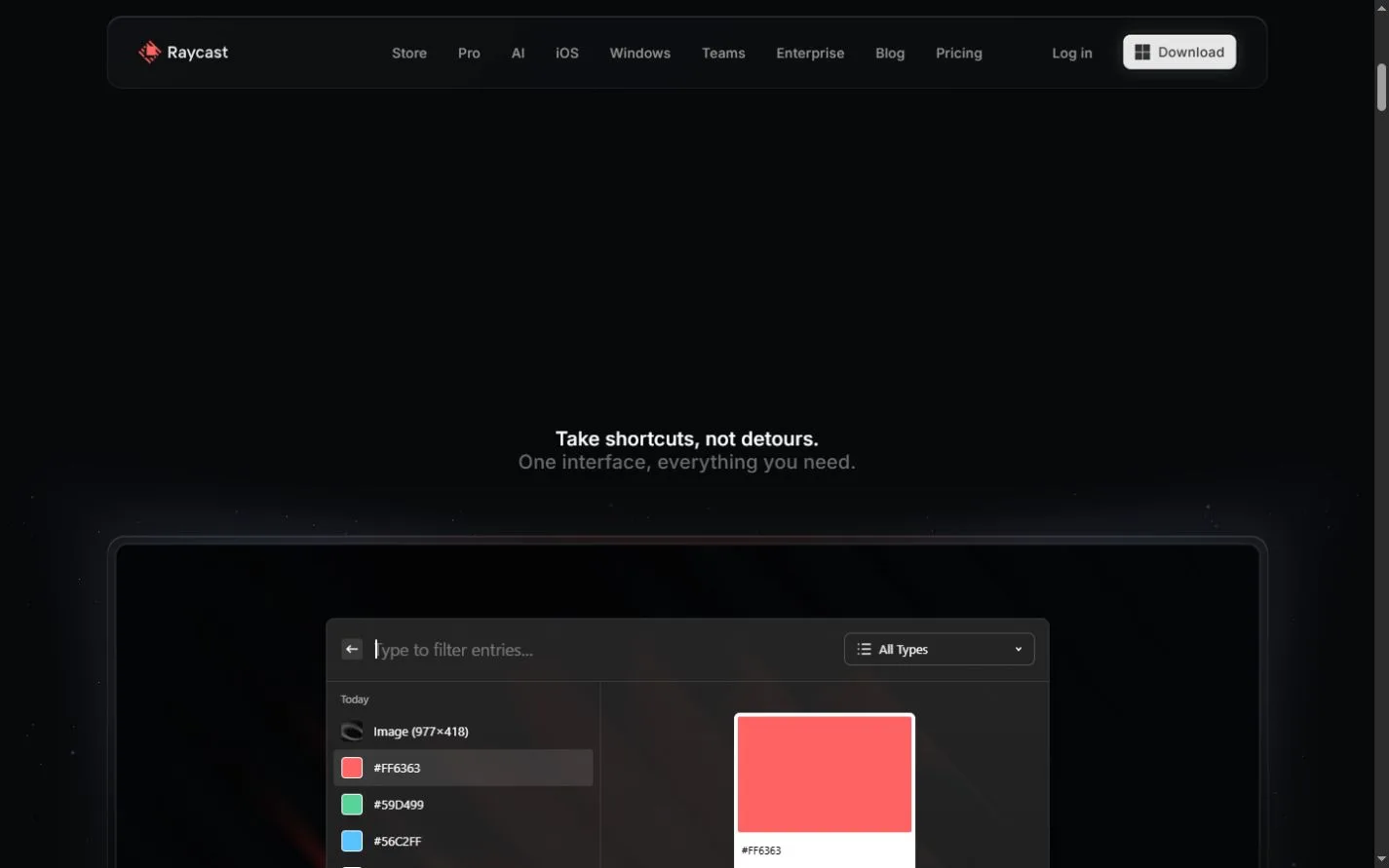
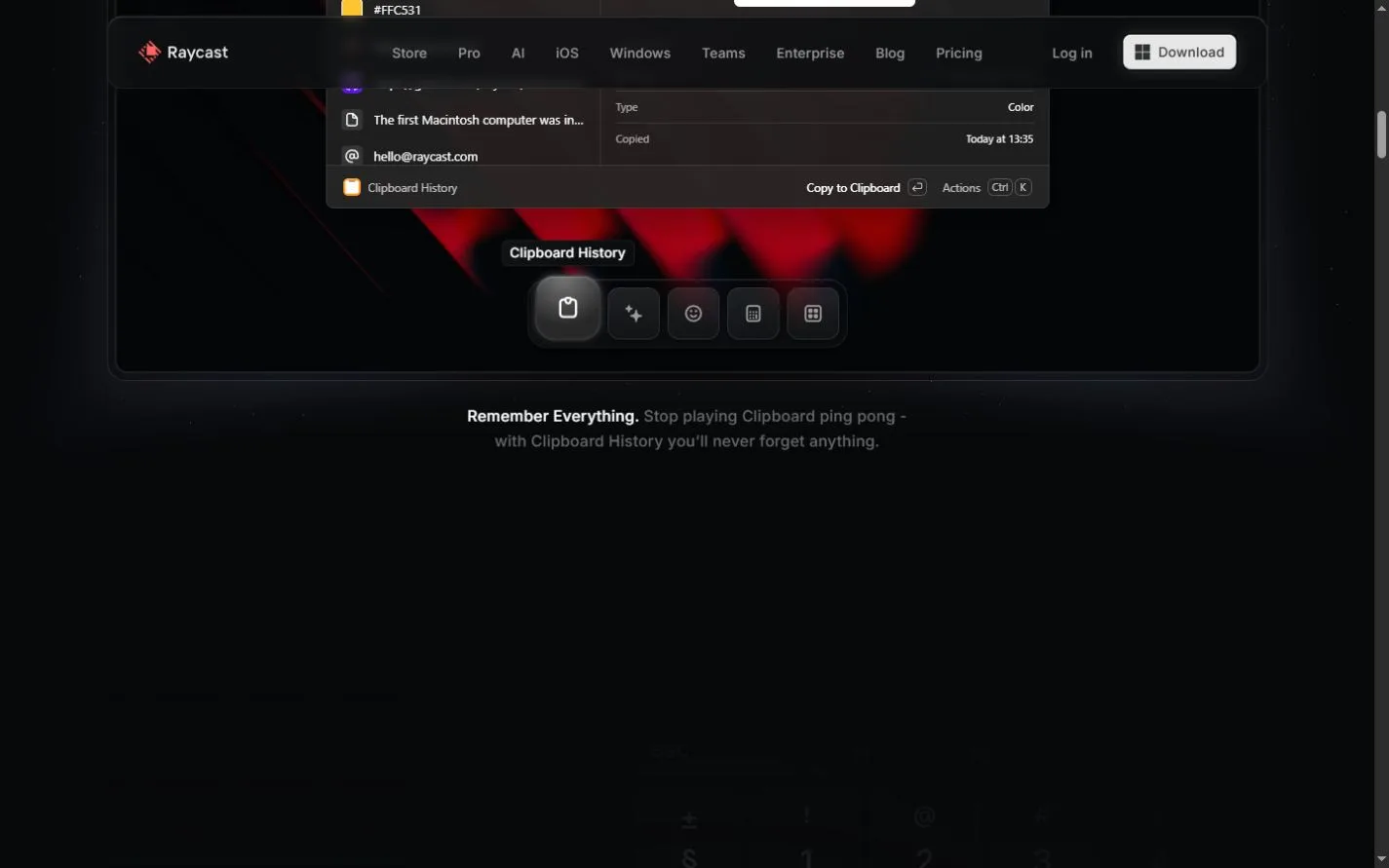
The first screen leaves considerable space around the headline and action. It names a shortcut-oriented product without trying to enumerate every command. The following interface panels have a more detailed job. They show how a compact launcher can contain tools such as clipboard history and commands for other services.
The extension catalog is an important part of the explanation. Names and familiar service marks help a reader locate something relevant to their own routine. This is a useful pattern for a platform whose value depends partly on what can be added. The catalog provides a series of concrete reasons to investigate after the main headline has introduced the category.
Study how the page uses different levels of detail. The opening copy is short, the interface illustrates a particular interaction, and the extension list broadens the scope again. For designers explaining a flexible product, this progression can be easier to follow than one long feature paragraph. The screenshots record public demonstrations on the website, so visitors should check the current download page for platform requirements and availability.
Who might find it useful?
Product teams studying landing-page hierarchy, examples and trust cues.
Website screenshots