regex101
Test a pattern beside sample text, token explanations and match details.
Website overview
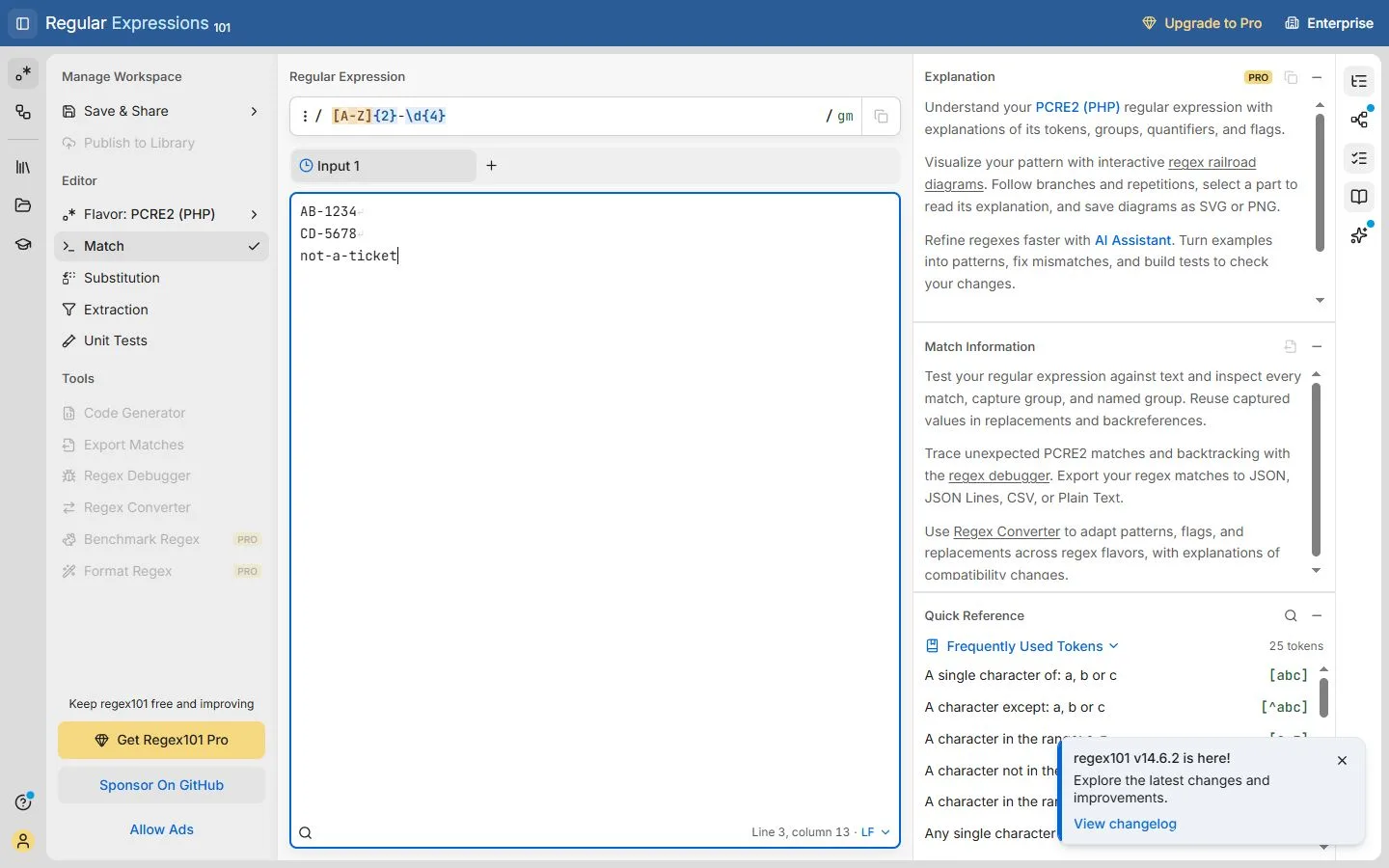
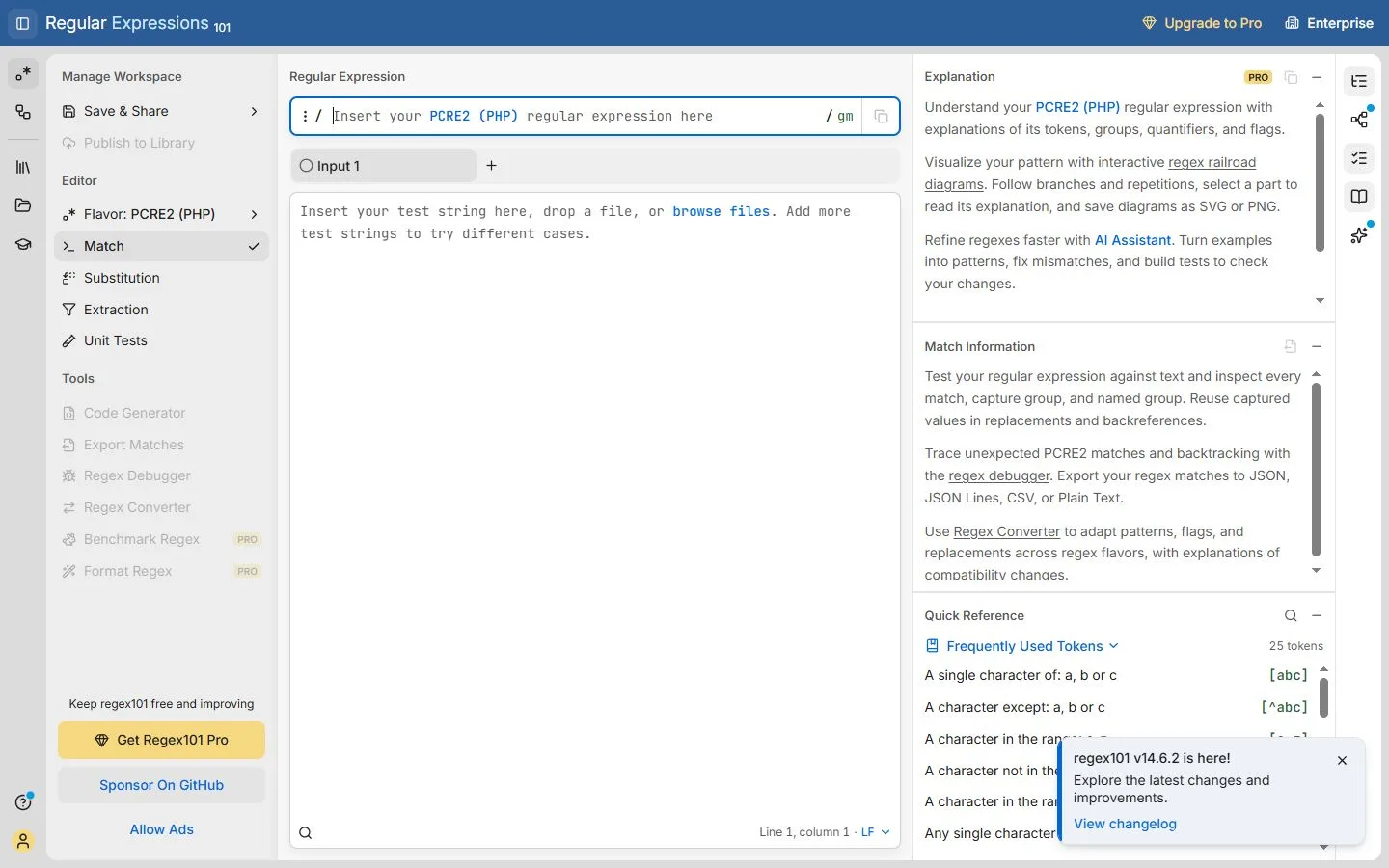
regex101 is a browser tool for developing and checking regular expressions. Its editor places a pattern above sample text and provides explanation and match information alongside them. The interface offers several regex flavors, which matters because the same pattern can behave differently between programming environments. This entry includes a small demonstration using fictional ticket codes.
What caught our eye
The example looks for two capital letters followed by a hyphen and four digits. Two matching codes and an unrelated line make it possible to see both successful matches and a non-match. This is a practical way to start testing a pattern. A single positive example would not tell you whether unwanted text is being included.
The side panels connect the typed expression with its parts. A developer can examine character classes, repetition and the resulting matches without repeatedly moving to a different reference. The separate flavor control also makes an otherwise easy-to-miss choice explicit. Check that it corresponds to the environment where the expression will eventually run.
For a larger task, add examples with missing characters, unexpected spacing and extra surrounding text. Compare the highlighted matches with the outcome you actually want, especially when a pattern is used to extract or replace information. The tool provides an inspectable workspace for that process. The screenshots use synthetic sample strings entered for this editorial demonstration. A saved workspace, public library entry or account is not needed to understand the basic testing flow.
Who might find it useful?
Developers and designers checking text-matching patterns.
Website screenshots