Screen Studio
Purple accents and recorded examples sell the look of the output.
Website overview
The Screen Studio app landing page uses recorded examples and purple accents to demonstrate the visual character of its output.
Screen Studio is screen-recording software for Mac. Its website presents zooming, framing and editing features through examples of recordings and the editing interface.
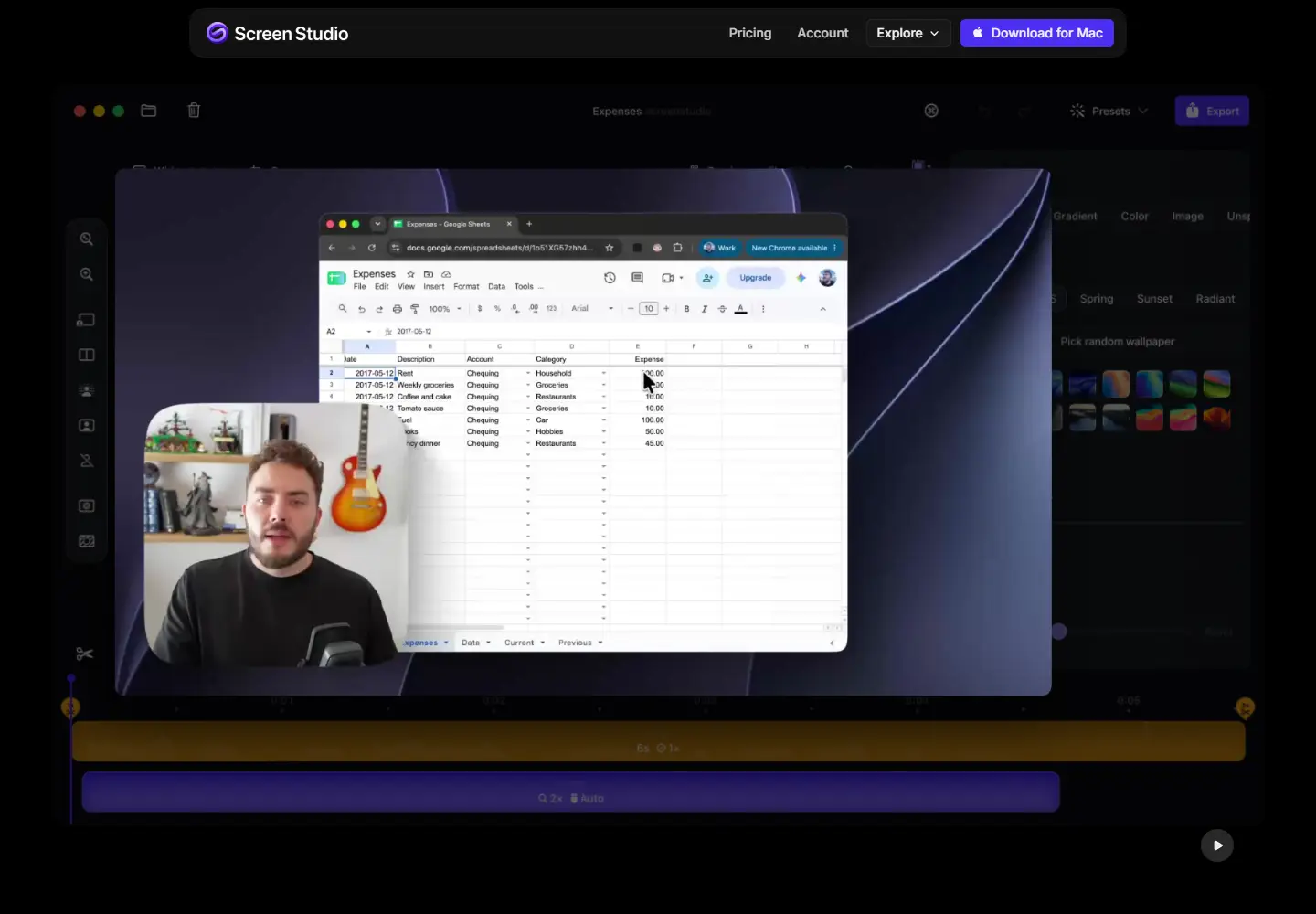
A recording example shows the kind of output the software is designed to help create. Compare that example with the later sections devoted to zooming, framing and camera layouts. The page moves from a result to the controls associated with making it. This is useful for studying demonstration-led software marketing. The platform requirement near the action handles a separate practical question, while attributed examples give visitors material they can inspect for themselves before deciding what to explore next.
What caught our eye
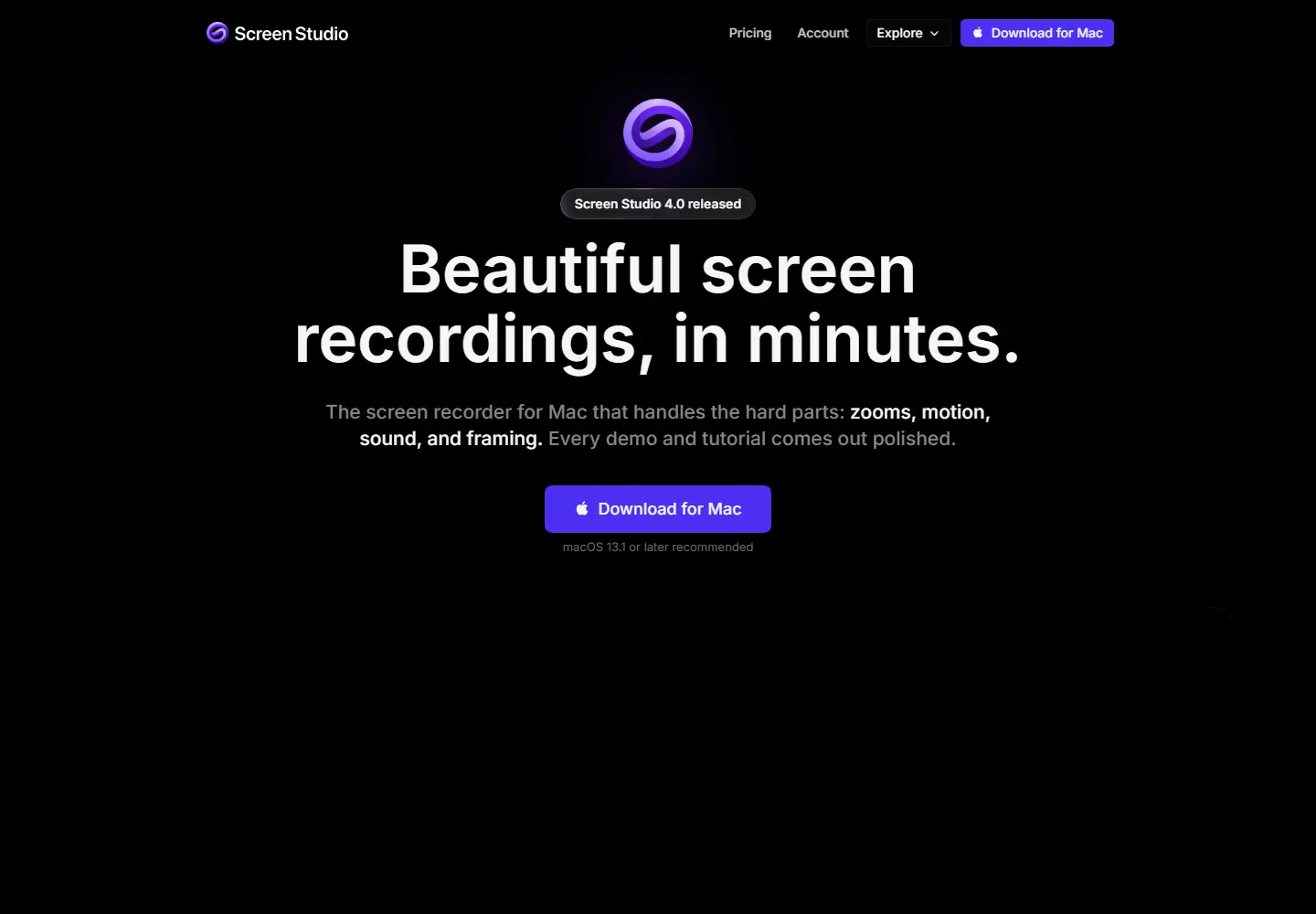
Hero: A centered white headline sits on black, with purple reserved for the icon and download buttons. The Mac platform requirement is close to the action.
Product presentation: A large recording example shows a screen and a presenter together. The output becomes the main visual explanation.
Feature structure: Zoom, camera layouts and motion have their own sections. Each section connects an editing concept with a visible example.
Trust strategy: The site labels examples made with the product and identifies their sources. These examples let visitors inspect a style rather than rely solely on adjectives.
Who might find it useful?
Designers studying video-software pages and creators comparing screen-recording presentation.
Website screenshots