SVGOMG
A browser GUI for previewing and optimizing SVG files with SVGO.
Website overview
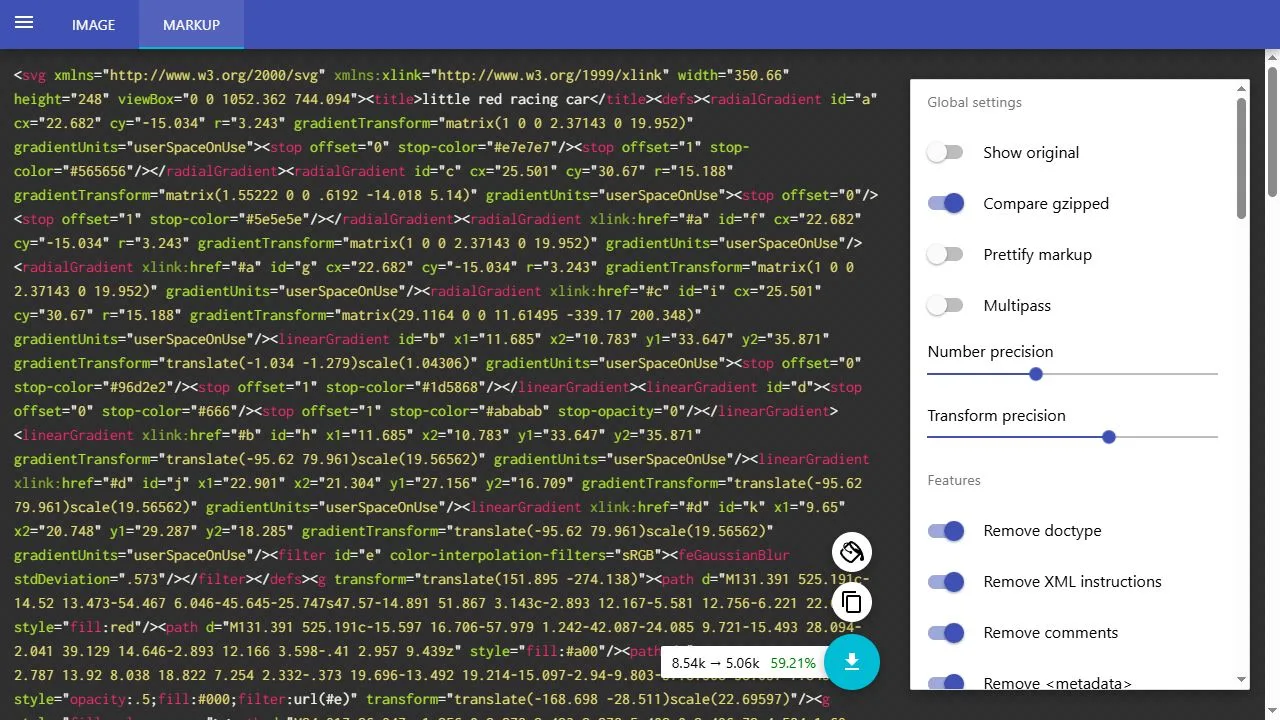
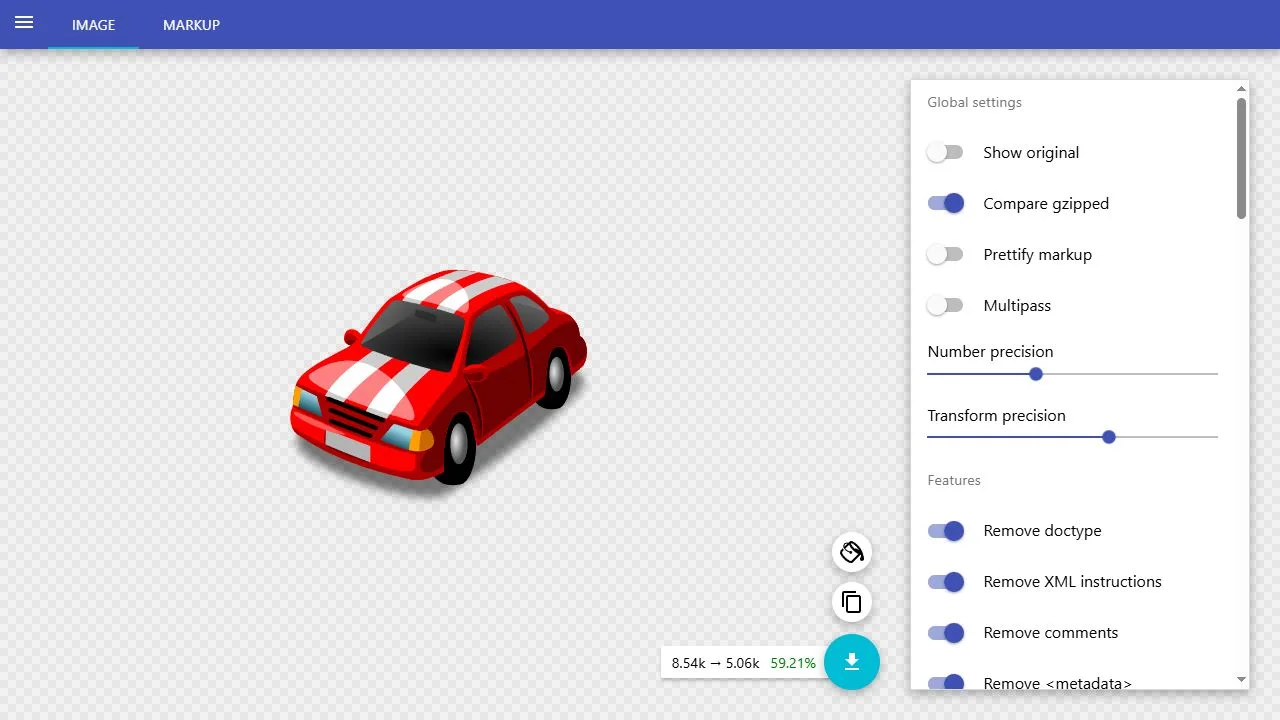
SVGOMG provides a browser interface for SVGO, a tool that optimizes SVG markup. The opening screen offers a file picker, a place to paste markup and a built-in demonstration. Loading the demonstration opens an image preview with a size comparison and a panel of optimization settings. An alternative markup view exposes the text that the browser will use.
What caught our eye
The tool puts the image and the settings next to each other. This helps a designer see the effect of changing path precision or switching a transformation on. The checkered surface makes transparent areas visible. The included racing car gives a new visitor a way to examine the workflow before choosing a file.
A size comparison is available alongside the preview, and the interface can compare gzipped sizes. That distinction is useful on the web because delivery compression can change how much of a raw file reduction reaches a visitor. The tool also gives a way to inspect the original. The visual and markup views support two different checks: does the asset look right, and is the structure still suitable for its intended use?
Some options alter information that another part of a site may rely on. For example, a CSS rule or an animation can refer to a named element. Test the optimized asset in context when it participates in an interface. The editor’s split layout makes it easy to compare a change, then keep or reverse it before exporting the result.
Who might find it useful?
Designers and developers preparing vector assets for the web.
Website screenshots