Tally
A form builder explained through a familiar document editor.
Website overview
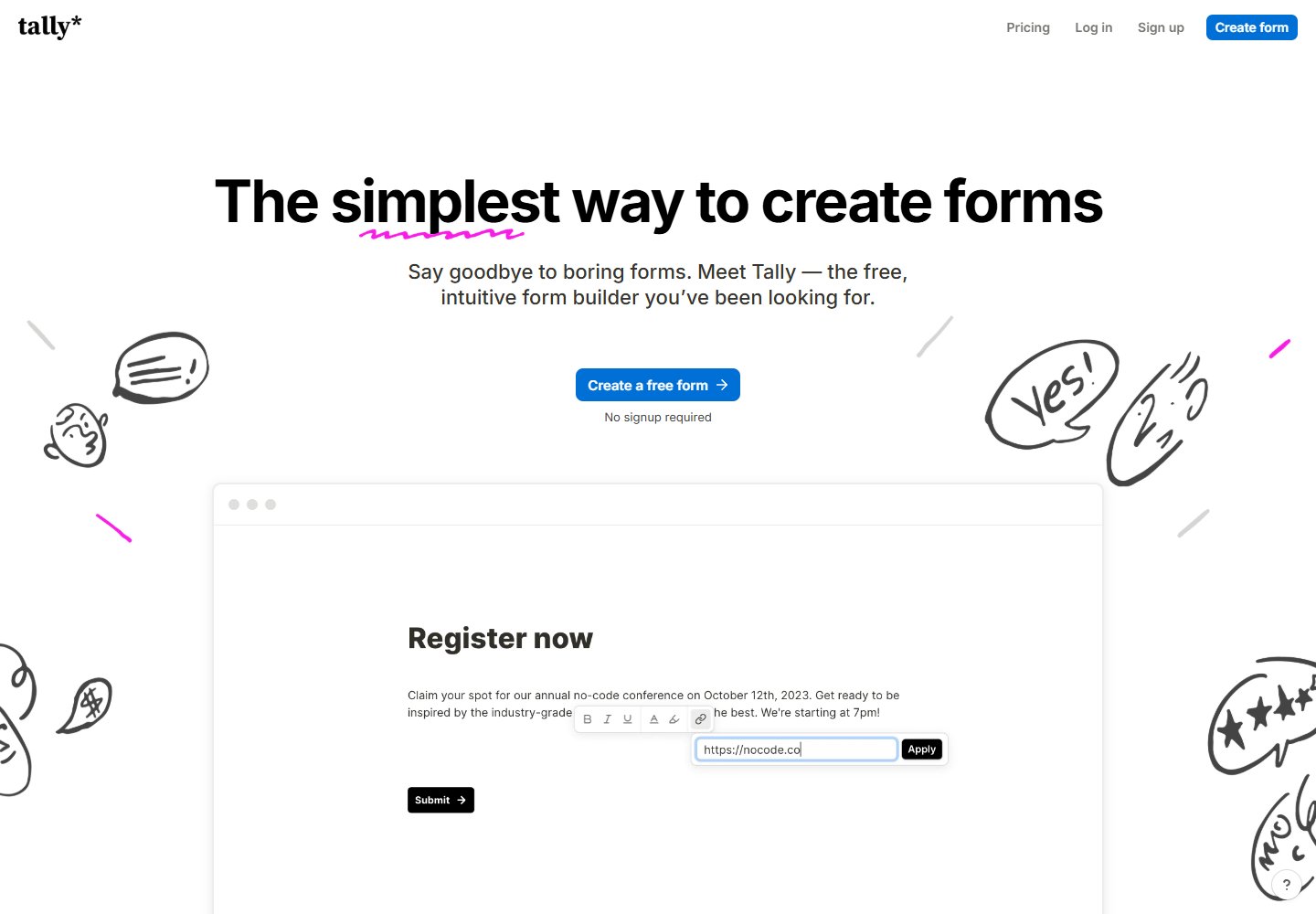
The Tally form builder landing page connects its product demonstration to a document-editing interface visitors may already recognize.
Tally lets you build online forms by typing questions and adding blocks. Its homepage shows conditional logic, embeds and integrations. The free offer is subject to fair-use terms.
The document-style explanation gives an unfamiliar form-building process a familiar starting point. Instead of leading with a configuration vocabulary, the homepage shows questions and blocks as things a visitor can picture writing. The demonstration beneath the main action connects the promise to a visible way of working. Compare the headline with the example and ask whether both describe the same task.
The longer feature sections introduce conditional logic, embedding and integrations after the basic workflow has been established. Their order is worth studying because each capability could otherwise become a separate technical explanation. Look at how small illustrations divide the page and where a reader can move from learning about a feature to starting a form. The free offer is another part of the decision, alongside the product demonstration. When using this page as inspiration, keep the interaction model, feature explanation and plan conditions as three distinct questions a prospective user needs answered.
What caught our eye
A product demonstration sits directly beneath the main action. The page explains form building through a document-style workflow, with small illustrations keeping long feature sections approachable.
Who might find it useful?
Makers building forms, or studying a SaaS landing page that makes an unfamiliar workflow easy to picture.
Website screenshots