Tella
A short promise, moving examples and product UI explain a video-making workflow.
Website overview
Tella presents an integrated workflow for recording, editing and sharing videos. Its current homepage combines a brief opening message with example outputs, a product-like sharing panel and sections explaining recording and editing features. The public demonstration is part of the marketing page; it does not require a visitor to start with a blank project. This makes the site a useful reference for showing both what a creative product produces and how the surrounding workflow is organized.
What caught our eye
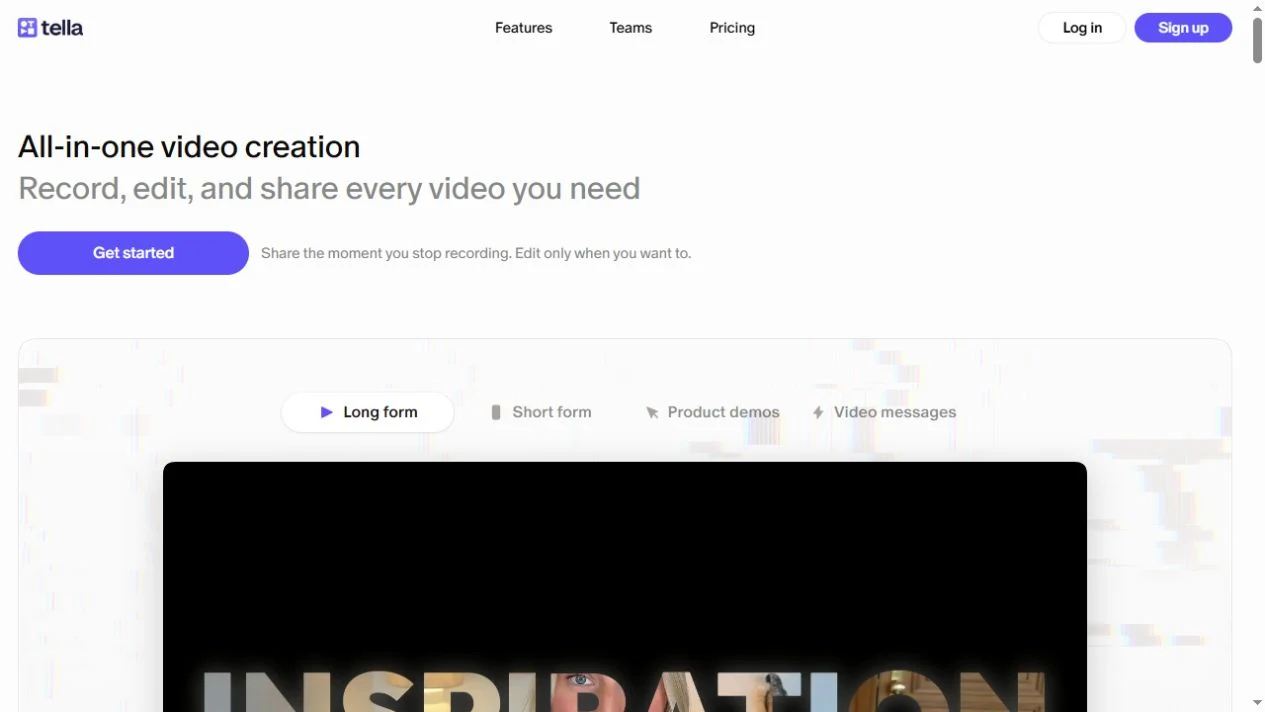
Hero & headline: The opening copy is deliberately short, with a secondary line explaining the record-edit-share sequence. A purple Get started button is paired with a sentence about sharing immediately after recording. Instead of asking a paragraph to explain every feature, the page quickly gives most of the available space to examples.
Product presentation: The demonstration area distinguishes long-form videos, short-form content, product demos and video messages. A product-style panel includes chapters and sharing controls. These are useful visual details to study because the output and its delivery context appear together. The screenshots here are static captures of the public homepage, not playable videos or an authenticated editing session.
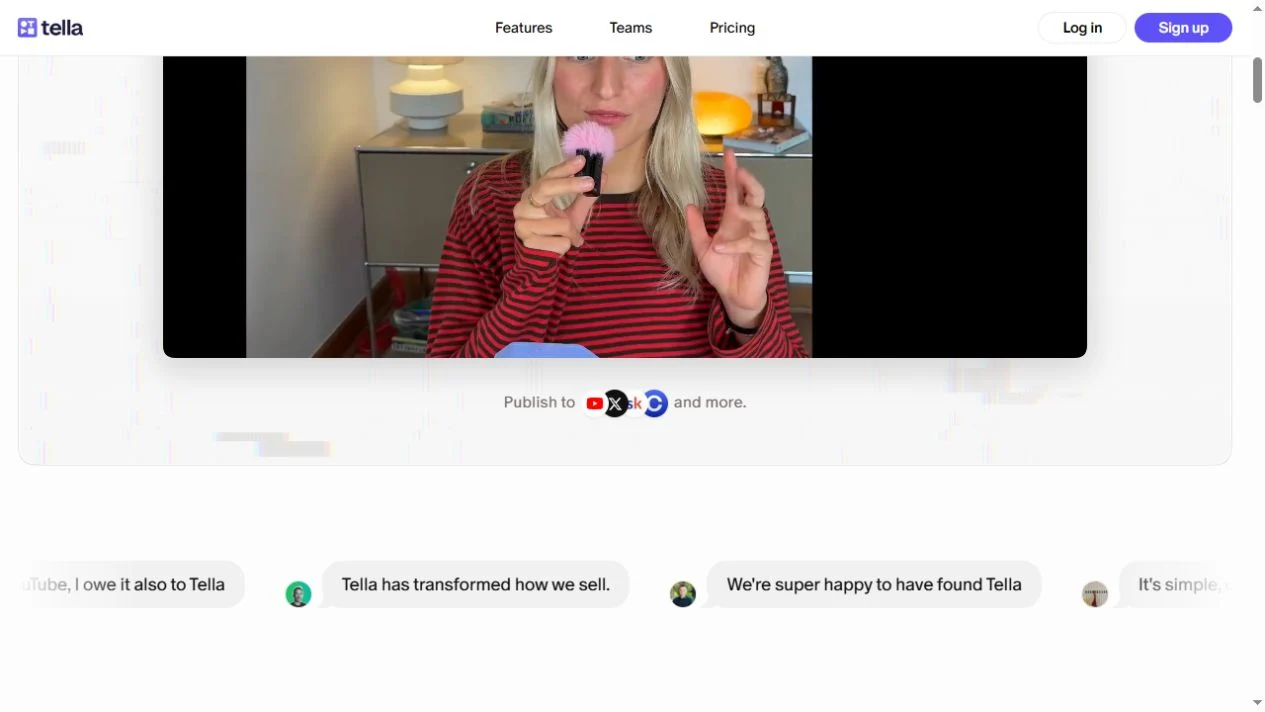
Trust strategy: Short quotations identify people and their roles underneath the demonstration. They create a separate evidence layer before the page expands into features. These are vendor-published customer statements; this entry does not independently verify the results described in them.
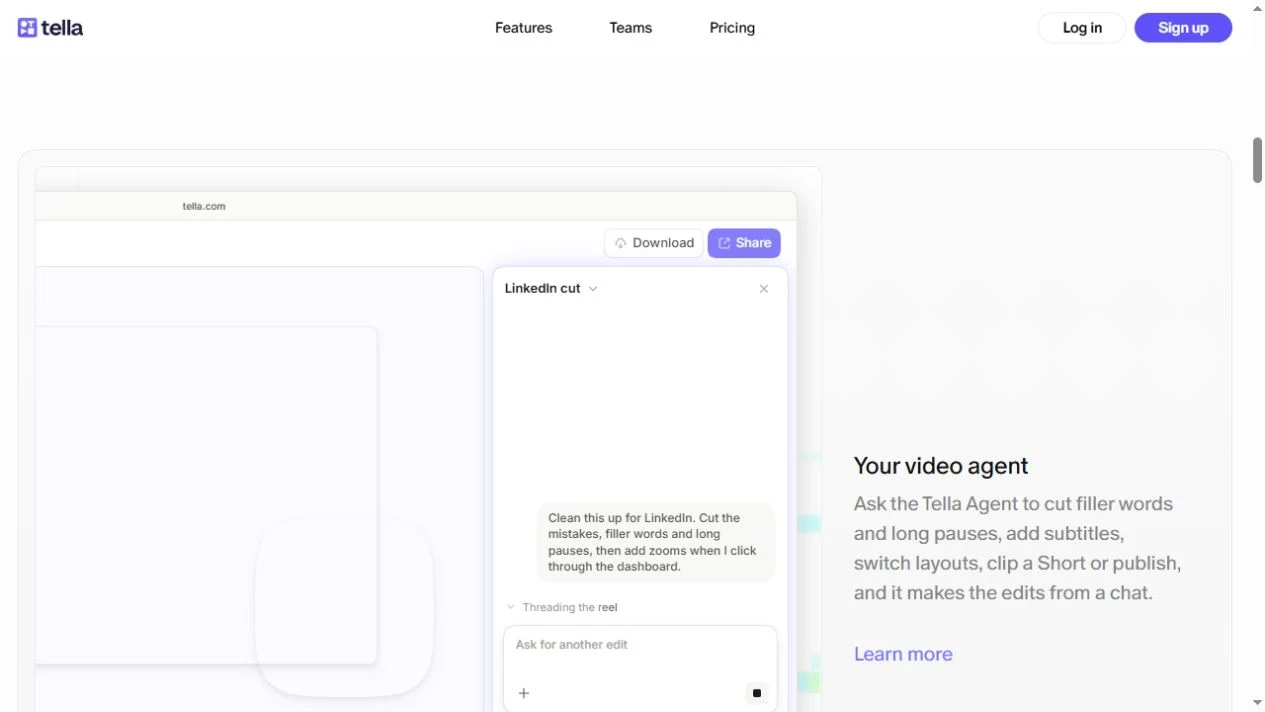
Color & layout: A mostly white background keeps the interface examples prominent, with purple repeated in the primary action and feature links. The later editing-agent section combines a conversational UI with explanatory text. Compare how a brief headline introduces the outcome while the product panels carry the detail. No account, recording upload or paid workflow was used for this selection.
Who might find it useful?
Designers studying software demonstrations and video-product landing pages.
Website screenshots